
· Product updates · Donatas · 4 min read
Pay Only for the Pages You Actually Scrape (Plus: Manual Mode & Better Previews)
Scraping shouldn't feel like a guessing game. This week, we launched smarter, step-by-step credit checks so you only pay for the pages that actually run. Plus, we’ve added an on-demand Manual Mode to stop overnight credit drains, and upgraded our mapper so modern JavaScript sites actually load with full styling—no more broken wireframes.
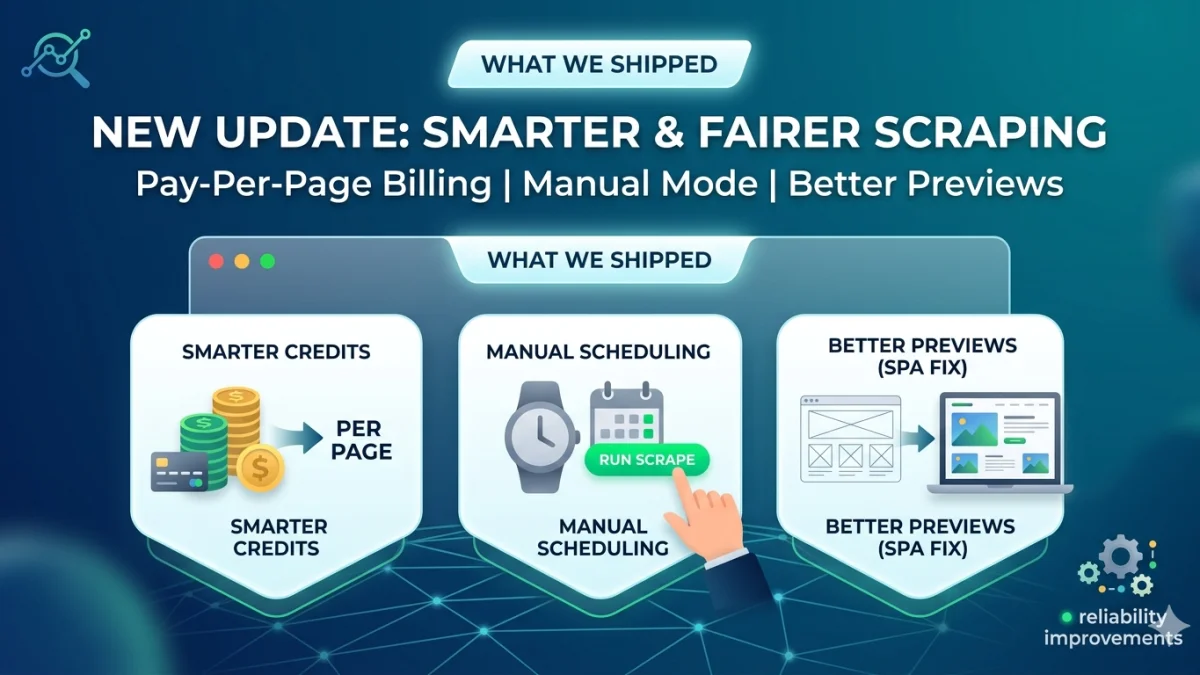
Hey everyone, we’ve got some updates to share. This week, we focused on making your daily scraping experience smoother, fairer, and a lot less frustrating.
Here are the three big changes now live in your dashboard.
1. Smarter Credits: Fairer Billing for Real Scrapes
The old frustration:
If you’ve ever run a multi-page scrape—like following a "Next" button through a catalog or clicking into a list of product links—billing used to feel like a guessing game. You might start a big job, hit a wall halfway through, or get hit with a confusing bill without knowing the upfront cost.
What’s changing:
We’re moving to a strict pay-per-page model. Credits are now checked dynamically, page by page:
- Step-by-step checks: We check your balance for the first page. If you're good to go, it runs. For every subsequent page or product detail link, we check again before loading it.
- Graceful pauses: If you run out of credits mid-run, the scrape doesn't crash or throw a confusing error. It stops cleanly, and you keep everything you already scraped.
| If you are scraping... | How you're charged |
|---|---|
| A single product page | One page = one credit (plus any premium/JS options). |
| A multi-page catalog | Each page in the chain costs credits; stops safely if balance runs low. |
| A list + detail workflow | The list costs credits, and each clicked detail page costs separately. |
The takeaway: You only pay for the pages that actually run, not for a vague "big job." We’ve also updated the estimate tools on the creation page so you can see exactly what a scrape will cost before hitting go.
2. Scheduling: Put it on a Timer, or Run it Yourself
Not every scraping job needs to run like clockwork. Sometimes, you just want data on demand. You can now toggle any page between two modes:
- Scheduled (Default): Runs on a repeat interval (hourly, daily, etc.). Perfect for tracking fluctuating prices or stock levels.
- Manual (New): The page sits quietly until you click Run Scrape.
Why use Manual Mode? It’s perfect for one-off checks you only need during reviews, drafting new mappings without triggering accidental runs, and keeping tight control over your budget so you don't eat up credits overnight.
Note: Switching to manual clears any upcoming automated runs, but we’ll save your interval settings in case you want to toggle it back on later.
3. Previews that Actually Look Like the Website
If you’ve ever tried to map elements on a modern JavaScript-heavy site (like Shopify stores or Single Page Apps), you know the pain: the preview mapper often looked like a broken, unstyled wireframe, or a giant blank box.
Why that happened:
Modern sites don't send a finished page all at once. They send a "skeleton," and then JavaScript fills in the text and styles a few seconds later. Our preview tool was capturing the skeleton before the paint was dry.
What we changed:
Our scraper is now a lot smarter. It recognizes when a page is an empty shell, waits for the JavaScript to execute like a real browser would, and pulls in the actual stylesheets.
Now, when you’re clicking on a title or price in the mapper, it actually looks like the live website, not a grey box. (We also fixed a bug where single-product pages would occasionally default to generic "list selectors"—your exact element selections will now be respected perfectly).
Behind-the-Scenes Polish
We also snuck a few quality-of-life updates into this release:
- Safety nets: Accidentally deleted a page? You can now recover soft-deleted pages instead of them vanishing forever.
- Stuck queues: We built support tools to let our team instantly clear out jammed scraping queues when jobs pile up.
- Better tracking: Multi-step workflows now show a much clearer count of pending detail pages so you always know where your job stands.
The bottom line? Predictable costs, total control over your timing, and a visual mapper that doesn't lie to you.
Log in and let us know what you think!